One inbox for every message
Your leads message you on Facebook, Instagram, SMS, email, and web chat. If your team has to check five different apps to find them, responses are slow and messages get missed. The unified inbox puts every conversation in one place.
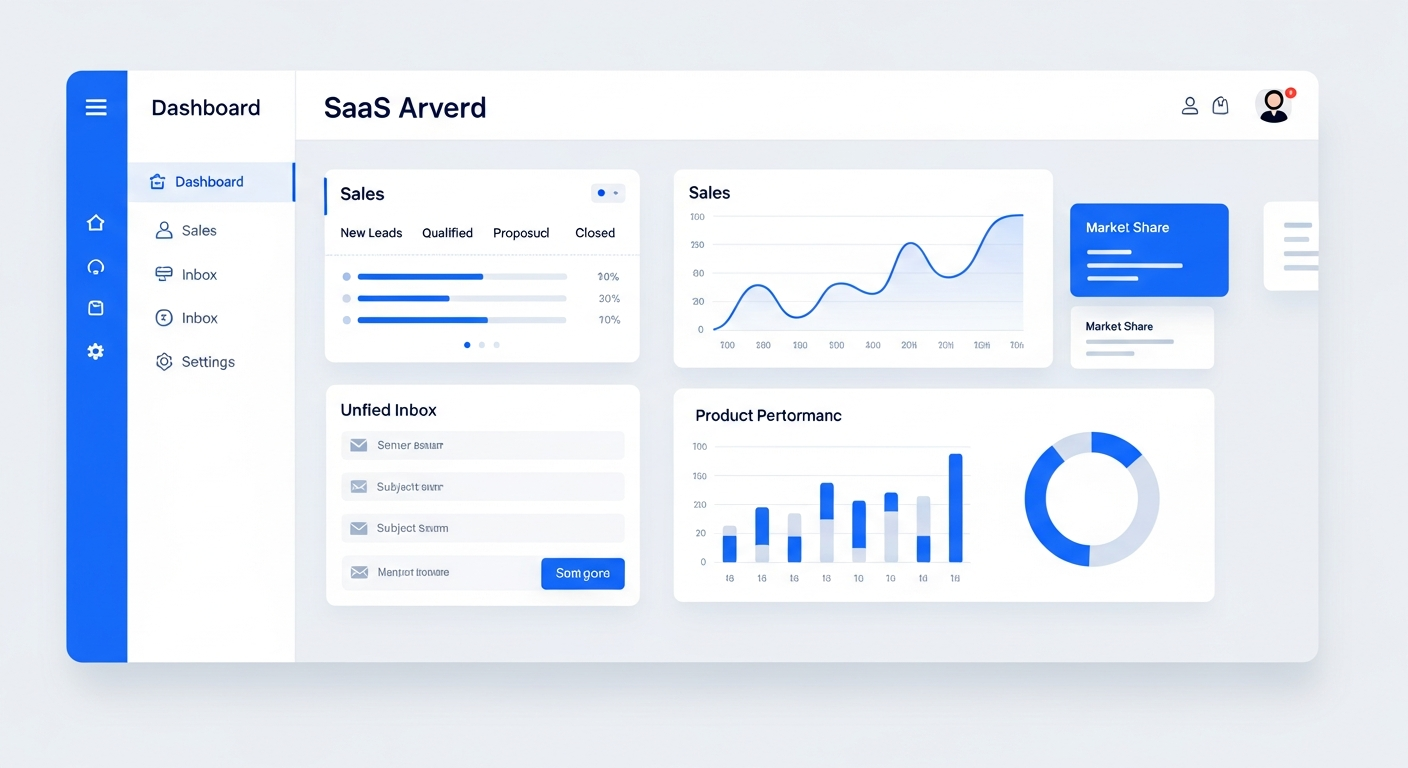
A unified inbox consolidates messages from SMS, email, Facebook Messenger, Instagram DMs, Google Business Profile, and web chat into a single screen. Bring On The Leads provides a shared inbox where your team can read and reply to every conversation without switching apps. Messages are attached to contact records, assigned to team members, and tracked for response time — so nothing gets missed and every lead gets a fast reply.
Five inboxes means five places to miss a message
When a lead messages you on Instagram, they expect a response just as fast as if they'd called. But if your team only checks Instagram once a day, that lead waits 24 hours for a reply — and probably goes with whoever responds first.
Messages scattered across platforms
SMS in your phone, email in your inbox, Facebook DMs in Messenger, web chat in a widget. Your team checks each one separately, and some get missed entirely.
No shared visibility
When one rep answers a Facebook message, nobody else knows. If that rep is out sick, the lead's follow-up question sits unanswered for days.
Slow response times
Switching between apps takes time. If your team checks email in the morning, social at lunch, and texts in the afternoon, some leads wait hours for a response that should take minutes.
Who this is for
- Businesses that get messages from multiple channels — SMS, email, social media, web chat
- Teams that need shared visibility into who's responding to what
- Service businesses where fast response time directly impacts bookings
- Agencies managing client communications across multiple channels
How the BOTL unified inbox works
Connect your channels
Link your Facebook Business page, Instagram account, Google Business Profile, SMS number, email address, and web chat widget. Each channel feeds messages into the same inbox.
Every message in one view
Your team sees a single list of conversations — each tagged with its source (SMS, email, Facebook, etc.). They can filter by channel, by assignee, or by status (unread, waiting on reply, resolved).
Reply from the inbox
Type your reply and send it through the same channel the lead used. No switching to Facebook to answer a DM or opening your email to reply to a message — it all happens in the inbox.
Assign and collaborate
Assign conversations to specific team members. Leave internal notes on a conversation that the lead can't see. Multiple team members can work from the same inbox without stepping on each other.
Auto-attach to CRM
Every conversation is linked to the contact's CRM record. When you open a contact, you see their full message history across all channels — no matter who replied.
Every channel in one inbox — filter, assign, and reply without switching apps.
What makes this work
SMS & MMS
Send and receive text messages with attachments. Two-way texting means leads can reply and the conversation stays in the inbox.
Learn moreEmail integration
Send and receive email from the inbox. Every email is logged to the contact record automatically.
Learn moreSocial media DMs
Facebook Messenger and Instagram DMs flow into the inbox. Reply from the same screen as your texts and emails.
Learn moreWeb chat widget
Add a chat widget to your website. Messages go straight to the inbox — no separate tool to monitor.
Learn moreResponse time tracking
See how fast your team responds on each channel. Identify slow channels and improve your average response time.
Team assignment
Assign conversations to specific reps. Leave internal notes. See who's handling what at a glance.
How we get you started
We don't hand you a login and walk away. Here's what happens after you sign up.
Connect your channels
We link your Facebook, Instagram, Google Business Profile, SMS number, email, and web chat to the unified inbox during onboarding.
Set up routing rules
We configure rules for which conversations go to which team members — by channel, by keyword, or by round-robin.
Train your team
We show your team how to use the inbox — filter by channel, assign conversations, leave internal notes, and track response times.
Monitor and optimize
We help you review response time reports and adjust routing to make sure no conversation goes unanswered.
Why response time is your biggest competitive advantage
A study by InsideSales.com found that 35-50% of sales go to the vendor that responds first. When leads message multiple businesses — which they almost always do — the first response usually wins. A unified inbox shaves minutes off your response time by eliminating the need to switch between apps. If your competitor is checking Facebook once a day and you're responding in the unified inbox within minutes, you win the deal.
Questions buyers ask before choosing BOTL
What is a unified inbox and how does it work?
A unified inbox consolidates messages from SMS, email, Facebook Messenger, Instagram DMs, Google Business Profile, and web chat into a single screen. Your team reads and replies to every conversation without switching apps. Messages are attached to CRM contact records, assigned to team members, and tracked for response time.
Which channels can I connect to one inbox?
SMS/MMS, email, Facebook Messenger, Instagram DMs, Google Business Profile messages, and web chat. All messages from these channels appear in one inbox, tagged by source so you can filter by channel.
Can multiple team members use the inbox at the same time?
Yes. The inbox is shared. Multiple team members can see and respond to conversations. You can assign specific conversations to specific people and leave internal notes that the lead never sees — so nobody steps on each other.
How fast can my team respond with a unified inbox?
Much faster — because there's no switching between apps. A study by InsideSales.com found that 35-50% of sales go to the vendor that responds first. When every channel is in one inbox, your team responds in minutes instead of hours.
Are conversations saved to the CRM contact record?
Yes. Every message — regardless of channel — is attached to the contact's CRM record. When you open a contact, you see their complete conversation history across all channels. Anyone on your team can pick up where the last person left off.
Can I automate responses in the inbox?
Yes. You can set up auto-replies for specific channels — for example, an instant text acknowledgment when a lead sends a message after hours. The unified inbox also works with our automation workflows so replies can trigger follow-up sequences.
What does setup involve?
We link your Facebook, Instagram, Google Business Profile, SMS number, email, and web chat to the unified inbox during onboarding. We configure routing rules, train your team, and help you review response time reports.
Frequently Asked Questions
Which channels can I connect to the unified inbox?
SMS/MMS, email, Facebook Messenger, Instagram DMs, Google Business Profile messages, and web chat. All messages from these channels appear in one inbox.
Can multiple team members use the inbox at the same time?
Yes. The inbox is shared. Multiple team members can see and respond to conversations. You can assign specific conversations to specific people to avoid duplication.
Can I leave internal notes on a conversation?
Yes. You can add internal notes that only your team sees — the lead or customer never sees them. This is useful for context like 'pricing already discussed' or 'asked about weekend availability.'
Does the inbox show which channel a message came from?
Yes. Every conversation is tagged with its source channel. You can filter the inbox to show only SMS, only email, only social, or all channels.
Can I automate responses in the inbox?
Yes. You can set up auto-replies for specific channels — for example, an instant text acknowledgment when a lead sends a message after hours. The unified inbox also works with our automation workflows.
Are conversations saved to the CRM contact record?
Yes. Every message — regardless of channel — is attached to the contact's CRM record. When you open a contact, you see their complete conversation history across all channels.
See it in action
Book a personalized demo and we'll show you exactly how this works for your business.
Book a Demo