Reputation management that builds your reviews on autopilot
Most businesses know reviews matter but hate asking for them. Our system requests reviews automatically at the right moment, routes negative feedback privately, and helps you respond — so your Google rating climbs without you chasing customers.
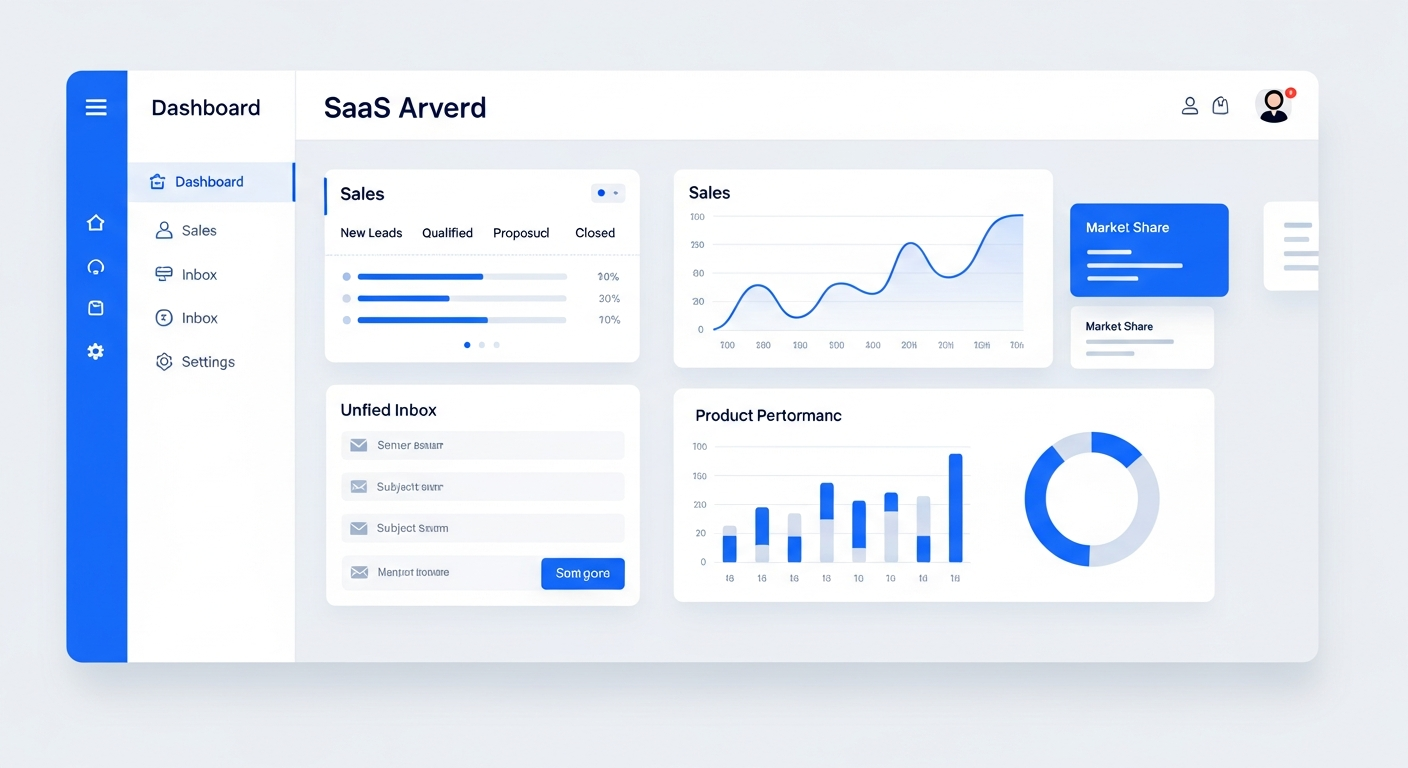
Reputation management is the process of systematically collecting customer reviews, responding to feedback, and improving your online rating. Bring On The Leads automates the entire process: after a job is completed or an appointment ends, the system sends a review request via text or email. Happy customers are routed to Google to leave a public review. Unhappy customers are routed to a private feedback form so you can address issues before they become negative reviews.
You know reviews matter. You just never ask for them.
91% of consumers read online reviews before making a purchase decision. But most businesses have fewer than 10 Google reviews because asking feels awkward, and remembering to follow up is nearly impossible when you're busy running the business.
Asking is awkward and inconsistent
You mean to ask every customer for a review, but you forget. Or you ask some and not others. The result is a trickle of reviews when you should have a steady stream.
Negative reviews catch you off guard
When an unhappy customer goes straight to Google, you find out about the problem from a 1-star review — publicly. By then, the damage is done.
You can't respond fast enough
New reviews sit unanswered for days because nobody is monitoring them. A slow response to a negative review makes the situation worse.
Who this is for
- Local service businesses whose Google rating directly impacts inbound leads
- Businesses that complete jobs or appointments and want to capture feedback at the right moment
- Companies with a good track record but few online reviews
- Any business that wants to catch unhappy customers before they leave a public negative review
How BOTL reputation management works
Trigger at the right moment
The review request fires automatically when a job is marked complete, an appointment ends, or a pipeline stage changes to 'Won.' The timing is key — you ask when the customer is happiest.
Smart routing: positive vs. negative
The customer rates their experience on a 1-5 scale. If they rate 4 or 5, they're routed to Google to leave a public review. If they rate 1-3, they're routed to a private feedback form so you can address the issue before it goes public.
Automated follow-up for non-responders
If a customer doesn't respond to the first review request, the system sends a gentle follow-up a few days later. One reminder doubles your response rate.
Respond to reviews from one dashboard
See new Google reviews in your dashboard and respond directly — without logging into Google Business Profile. Respond to positive reviews with thanks and negative reviews with a plan to fix it.
Happy customers go to Google. Unhappy customers go to a private form — before they post publicly.
What makes this work
Automated review requests
Send review requests via SMS or email automatically when a job is completed or an appointment ends.
Learn moreSmart feedback routing
Route happy customers to Google. Route unhappy ones to a private form. Catch problems before they become 1-star reviews.
Follow-up reminders
Automatically follow up with customers who didn't respond to the first request. One reminder doubles your review volume.
Review tracking
See your Google rating, total reviews, and review velocity over time. Track which services or team members generate the best reviews.
Google Business Profile
Connect your Google Business Profile to monitor and respond to reviews from one dashboard.
Multi-channel requests
Send review requests via SMS (higher response rate) or email (lower cost). Use the channel that works for your customers.
How we get you started
We don't hand you a login and walk away. Here's what happens after you sign up.
Connect your Google profile
We link your Google Business Profile so reviews flow into your dashboard and you can respond without leaving the platform.
Build your review request workflow
We create the automation that triggers review requests at the right moment — job completion, appointment end, or pipeline stage change.
Set up smart routing
We configure the positive/negative routing so happy customers go to Google and unhappy customers go to a private feedback form.
Train your team
We show your team how to monitor the review dashboard, respond to reviews, and handle private feedback from unhappy customers.
The business impact of reviews
According to BrightLocal's Local Consumer Review Survey, 98% of consumers read online reviews for local businesses, and the average consumer reads 10 reviews before trusting a business. Businesses with an average rating below 4 stars lose 70% of potential customers who find them on Google. On the other hand, each additional star in your Google rating can increase revenue by 5-9% according to a Harvard Business School study. Systematic review collection isn't a nice-to-have — it directly impacts your bottom line.
Questions buyers ask before choosing BOTL
How does BOTL get more Google reviews automatically?
After a job is completed or an appointment ends, the system sends a review request via text or email automatically. Happy customers (4-5 stars) are routed to Google to leave a public review. Unhappy customers (1-3 stars) are routed to a private feedback form so you can address issues before they become public negative reviews.
How does the smart routing for positive vs. negative feedback work?
The customer rates their experience on a 1-5 scale. If they select 4 or 5, they're redirected to your Google Business Profile to leave a public review. If they select 1-3, they're redirected to a private feedback form so you can address their concerns before they post publicly.
When is the best time to trigger a review request?
When the customer is happiest — right after a job is completed, an appointment goes well, or a project is delivered. You can trigger based on pipeline stage changes, appointment completion, or a time delay after a service.
Can I respond to Google reviews from the platform?
Yes. Once your Google Business Profile is connected, new reviews appear in your dashboard and you can respond directly — without logging into Google. Respond to positive reviews with thanks and negative reviews with a plan to fix it.
Is this the same as Give A Review?
Give A Review (givea.review) is our dedicated reputation management service. The built-in reputation management in BOTL handles the automation — sending requests, smart routing, and follow-up reminders. Give A Review provides additional managed services for businesses that want a done-for-you approach.
What if a customer doesn't respond to the first review request?
The system can send an automated follow-up reminder a few days later. You control how many reminders to send and how far apart. One reminder typically doubles your review response rate.
What does setup involve?
We connect your Google Business Profile, build the review request automation that triggers at the right moment, configure smart routing, and train your team on monitoring the review dashboard and responding to feedback.
Frequently Asked Questions
How does the smart routing work?
The customer is asked to rate their experience on a 1-5 scale. If they select 4 or 5 stars, they're redirected to your Google Business Profile to leave a public review. If they select 1-3 stars, they're redirected to a private feedback form so you can address their concerns before they post publicly.
When should I trigger the review request?
The best time is when the customer is happiest — right after a job is completed, an appointment goes well, or a project is delivered. You can trigger based on pipeline stage changes, appointment completion, or a time delay after a service.
Can I send review requests by text and email?
Yes. SMS has a higher response rate (typical open rate over 90%), but email is free to send. Most businesses use SMS for the initial request and email as a follow-up.
Can I respond to Google reviews from the platform?
Yes. Once your Google Business Profile is connected, new reviews appear in your dashboard and you can respond directly without logging into Google.
What if a customer doesn't respond to the first request?
The system can send an automated follow-up reminder a few days later. You control how many reminders to send and how far apart they should be.
Is this the same as Give A Review?
We also offer a dedicated reputation management service called Give A Review at givea.review. The built-in reputation management in BOTL handles the automation, while Give A Review provides additional managed services for businesses that want a done-for-you approach.
See it in action
Book a personalized demo and we'll show you exactly how this works for your business.
Book a Demo