Two-way texting that starts conversations
One-way text blasts are just marketing. Two-way texting lets leads reply, ask questions, and have a real conversation — all from your business number, all logged in the CRM, and all manageable from one inbox.
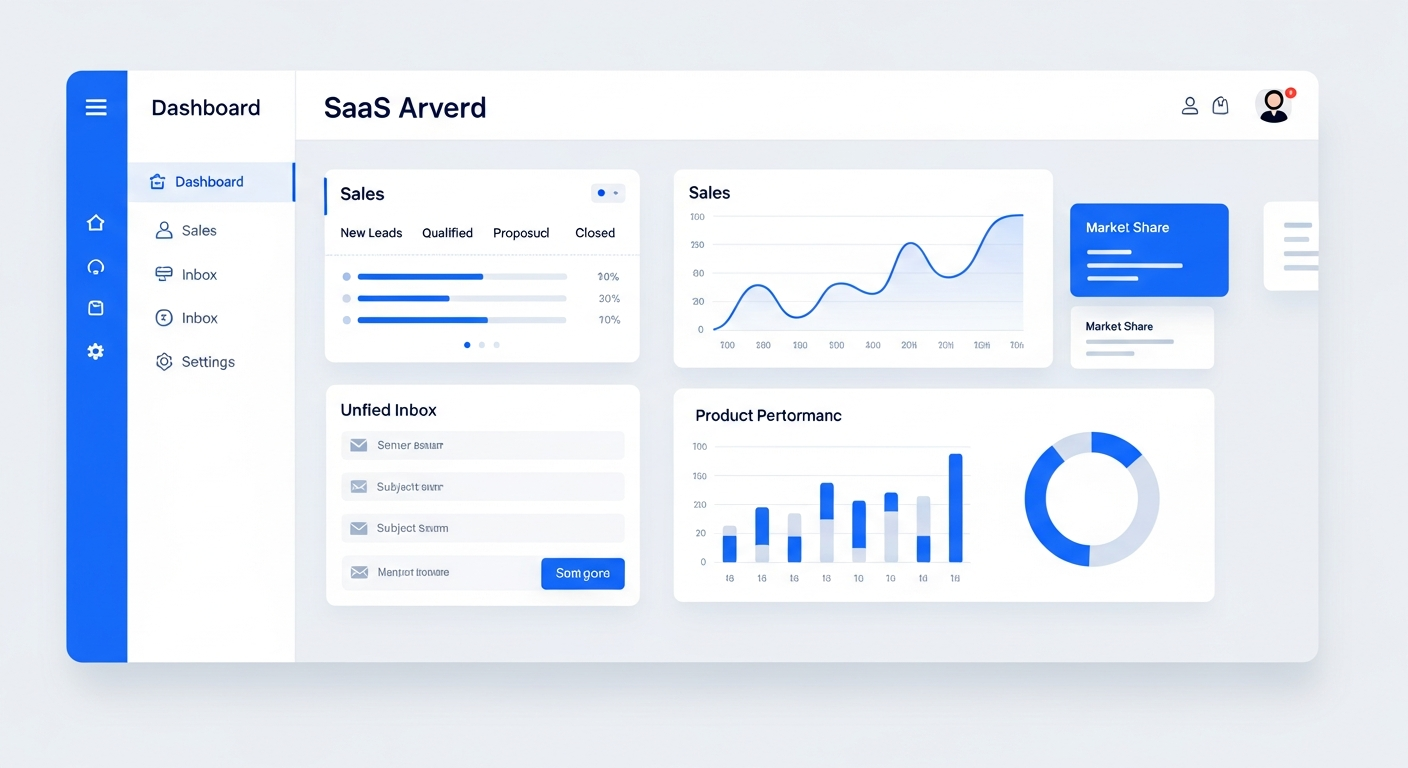
Two-way texting lets your business send and receive SMS messages from a dedicated business number. Leads can reply to your automated texts, ask questions, and carry on a conversation — just like texting a friend. Bring On The Leads provides two-way texting built into the CRM and unified inbox, so every text conversation is logged to the contact record, assigned to team members, and can trigger automations based on the lead's replies.
Text blasts don't start conversations
Most SMS marketing tools only let you send one-way blasts. You push a message out, but when a lead texts back 'How much does that cost?' the reply goes nowhere. That's a missed opportunity — and a frustrated lead.
One-way texts miss the moment
You send a promotion. A lead is interested and texts back a question. But your tool can't receive replies, so the lead thinks you're ignoring them. They move on.
Texts aren't tracked in the CRM
Even if you can receive replies, they go to someone's personal phone. The conversation isn't logged in the CRM, so the next rep who talks to that lead has no context.
No automation for replies
When a lead replies 'Yes, I'm interested,' nothing happens automatically. Someone has to notice the reply, respond manually, and follow up. That delay costs deals.
Who this is for
- Local service businesses where leads prefer texting over phone calls
- Sales teams that want leads to be able to reply to automated messages
- Businesses that want appointment reminders and confirmations via text
- Any business that wants to use SMS for real conversations, not just blasts
How BOTL two-way texting works
Get a dedicated business number
We provision a local business number for your account. All texts are sent from and received on this number — not someone's personal phone. You can also port an existing number.
Send automated or manual texts
Automated texts fire from workflows — new lead welcome, appointment reminders, follow-up sequences. You can also send manual texts from the unified inbox to any contact.
Leads reply — and the conversation continues
When a lead texts back, their reply appears in the unified inbox instantly. Your team can respond from the inbox, or the reply can trigger an automation based on keywords.
Every text is logged to the CRM
Every sent and received text is attached to the contact's record. When anyone on your team opens that contact, they see the full text conversation history.
Automate based on replies
Set up keyword triggers: if a lead replies 'YES,' they get enrolled in a booking sequence. If they reply 'STOP,' they're opted out automatically. The system handles it without manual intervention.

Leads reply to automated texts and the conversation continues in the inbox.
What makes this work
Dedicated business number
Text from a professional business number — not a personal phone. Port your existing number if you want.
Automated text sequences
Send multi-step text sequences automatically. Leads can reply at any step and the conversation continues.
Learn moreKeyword triggers
Trigger automations based on reply keywords. 'YES' starts a booking flow. 'INFO' sends details. No manual sorting required.
Opt-out management
Automatic STOP/UNSTOP handling keeps you TCPA compliant. Opted-out contacts are excluded from future campaigns.
Scheduled texts
Schedule texts to go out at the right time — appointment reminders 24 hours before, follow-ups 3 days after first contact.
Shared team inbox
All text conversations are visible to your whole team in the unified inbox. Assign conversations, leave notes, collaborate.
Learn moreHow we get you started
We don't hand you a login and walk away. Here's what happens after you sign up.
Provision your number
We set up your dedicated business SMS number or port your existing one. We also register your number for A2P 10DLC compliance.
Build your text sequences
We create your automated text sequences — new lead welcome, appointment reminders, follow-up cadences, and reactivation campaigns.
Set up keyword triggers
We configure keyword-based automations so replies trigger the right next step automatically.
Train your team
We show your team how to use the SMS inbox, respond to replies, and manage conversations.
Why two-way texting converts better than one-way
According to data from EZ Texting, two-way text conversations have a 45% response rate compared to 5-10% for one-way blasts. The reason is obvious: when a lead can reply, they engage. When they can only receive, they ignore. Two-way texting turns a broadcast into a conversation — and conversations are where deals happen. Additionally, 90% of text messages are read within 3 minutes, making SMS the fastest channel for time-sensitive follow-up.
Questions buyers ask before choosing BOTL
Does BOTL support two-way texting?
Yes. Two-way texting lets leads reply to your automated texts and have real conversations from a dedicated business number. Replies appear in your unified inbox within seconds, where your team can respond or the reply can trigger an automation based on keywords.
Can leads reply to automated text messages?
Yes. That's the core of two-way texting. When an automated text goes out, the lead can reply and their message appears in your unified inbox. Your team can respond manually, or the reply can trigger an automation — like enrolling them in a booking sequence if they reply 'YES.'
Do I need a new phone number for business texting?
We provision a dedicated business number for your account. If you already have a business number you'd like to use, we can port it. Texts come from your business name, not a personal cell phone.
Is two-way texting TCPA compliant?
Yes. The system handles STOP and UNSTOP keywords automatically. We also register your number for A2P 10DLC messaging, which is required by US carriers for business texting. We walk you through compliance during onboarding.
How is this different from Smart Text Back?
Smart Text Back (smarttextback.com) is our dedicated missed-call text-back service. Two-way texting is the full SMS capability built into BOTL — automated sequences, manual replies, keyword triggers, and MMS attachments. Smart Text Back handles the specific use case of instantly texting back when you miss a call.
Can I send images and attachments via text?
Yes. The SMS system supports MMS, so you can send images, PDFs, and other attachments via text. This is useful for sending quotes, menus, or before/after photos.
What does setup involve?
We provision your business SMS number or port your existing one, register it for A2P 10DLC compliance, build your text sequences, set up keyword triggers, and train your team on the SMS inbox.
Frequently Asked Questions
Do I need a new phone number for texting?
We provision a dedicated business number for your account. If you already have a business number you'd like to use, we can port it. Texts come from your business name, not a personal cell.
Can leads reply to automated texts?
Yes. That's the core of two-way texting. When an automated text goes out, the lead can reply and their message appears in your unified inbox. Your team can respond manually, or the reply can trigger an automation.
Is this TCPA compliant?
Yes. The system handles STOP and UNSTOP keywords automatically. We also register your number for A2P 10DLC messaging, which is required by US carriers for business texting. We walk you through compliance during onboarding.
Can I send images and attachments?
Yes. The SMS system supports MMS, so you can send images, PDFs, and other attachments via text. This is useful for sending quotes, menus, or before/after photos.
How fast do replies show up in the inbox?
Instantly. When a lead texts back, their reply appears in the unified inbox within seconds. Your team gets a notification so they can respond quickly.
Can I automate different responses based on what the lead replies?
Yes. You can set up keyword triggers — if a lead replies 'YES,' they get enrolled in a booking sequence. If they reply 'LATER,' they get a follow-up in a week. The system routes replies automatically.
See it in action
Book a personalized demo and we'll show you exactly how this works for your business.
Book a Demo