Pipeline management that shows where every deal stands
If you can't see your pipeline, you can't manage it. A visual drag-and-drop board shows every deal, its value, and how long it's been stuck. Automated reminders nudge your team to follow up before deals go cold.
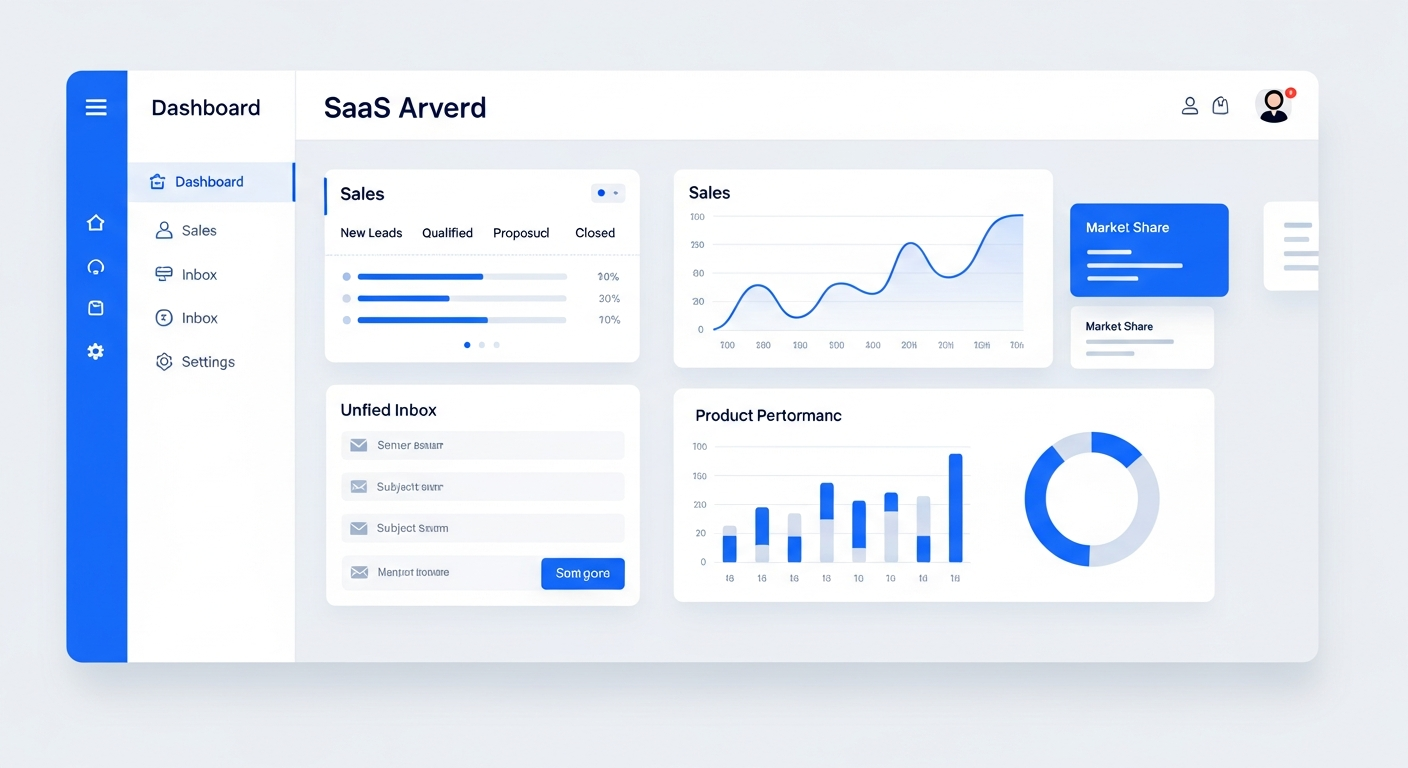
Pipeline management is the process of tracking every deal from first contact to close using a visual board with stages. Bring On The Leads gives you a drag-and-drop pipeline where you can see every deal, its dollar value, how long it's been in each stage, and what the next action is. Automated reminders alert your team when deals are stalling, and revenue tracking shows your forecast at a glance — so you always know what's closing and what needs attention.
You can't manage what you can't see
Most small businesses track deals in spreadsheets, sticky notes, or their head. When deals are invisible, they stall. When they stall, they die. A pipeline board fixes this by making every deal visible and actionable.
Deals disappear into the void
A lead seemed interested three weeks ago, but nobody followed up. You only find out when you see them on a competitor's website. Without a visual pipeline, stalled deals are invisible.
Revenue forecasting is a guess
When deals live in spreadsheets, you can't quickly see your total pipeline value or what's likely to close this month. You're guessing at revenue instead of tracking it.
No accountability for follow-up
Without a system that shows who's responsible for each deal and when they last touched it, there's no accountability. Deals sit because everyone assumes someone else is handling it.
Who this is for
- Sales teams that need a visual board to track deals through every stage
- Business owners who want to see pipeline value and forecast at a glance
- Service businesses with multi-step sales processes (consultations, proposals, contracts)
- Teams that need accountability — who's responsible for each deal and when they last followed up
How BOTL pipeline management works
Build pipelines that match your process
Create custom stages that reflect your actual sales process — not a generic template. A home services business might use: New Lead → Scheduled Estimate → Quote Sent → Follow-Up → Won/Lost. A B2B company might use: Qualified → Demo → Proposal → Negotiation → Closed.
Drag deals across stages
When a deal progresses, drag it to the next stage. The system logs the change, timestamps it, and can trigger automations — like sending a follow-up email when a deal moves to 'Quote Sent.'
Track revenue per deal and stage
Assign a dollar value to each deal. The pipeline shows total value by stage, total pipeline value, and a weighted forecast based on stage probability. You always know what's on the table.
Get alerts before deals go cold
Set rules that flag deals sitting in a stage too long. If a deal has been in 'Follow-Up' for 7 days with no activity, the system sends a reminder to the assigned rep — so deals don't die from neglect.
Every deal shows its value, assignee, and how long it's been in the current stage.
What makes this work
Multiple pipelines
Create separate pipelines for different services, teams, or business lines. Each has its own stages and automations.
Learn moreRevenue per deal
Assign dollar values to deals and see total pipeline value, value by stage, and weighted forecast.
Learn moreDeal aging alerts
See how long each deal has been in its current stage. Get alerts when deals are at risk of going cold.
Automated stage triggers
Trigger workflows when deals move between stages — send a quote email, assign a task, or notify a manager.
Deal assignment
Assign each deal to a specific rep. See who's responsible and when they last made contact.
Pipeline reporting
See win rates, average deal size, conversion rate by stage, and sales cycle length. Spot bottlenecks in your process.
How we get you started
We don't hand you a login and walk away. Here's what happens after you sign up.
Map your sales stages
We help you define the stages that match your real sales process. No generic templates — your pipeline should reflect how you actually sell.
Build your pipelines
We set up your custom pipelines, configure stage probabilities for forecasting, and connect automations to stage changes.
Import your deals
We import your existing deals and contacts into the new pipeline so you start with a full board, not a blank one.
Train your team
We show your team how to use the drag-and-drop board, track deal value, and respond to aging alerts.
Why visual pipelines outperform spreadsheets
A study by Salesforce found that sales teams using a visual pipeline management tool close 28% more deals than those using spreadsheets or manual tracking. The reason is visibility: when you can see every deal on a board, you notice stalled deals immediately instead of discovering them weeks later. Drag-and-drop interaction also makes it faster to update deal status, which means your pipeline data stays current instead of going stale.
Questions buyers ask before choosing BOTL
How does pipeline management work in BOTL?
You get a visual drag-and-drop board where every deal is a card showing its value, assignee, and how long it's been in the current stage. You create custom stages that match your actual sales process, drag deals across stages as they progress, and the system logs every change and can trigger automations on each transition.
Can I have different pipelines for different services?
Yes. You can create unlimited pipelines, each with its own stages, automations, and deal values. A plumbing company might have one pipeline for service calls and another for large installation projects. A B2B company might have separate pipelines for inbound vs. outbound deals.
How does revenue forecasting work?
Each stage has a probability percentage you set (e.g., 'Proposal Sent' = 50%). The system multiplies each deal's value by its stage probability to calculate a weighted forecast. You see both total pipeline value and a weighted forecast at a glance.
Can I automate actions when deals move between stages?
Yes. Moving a deal to a new stage can trigger a workflow — send a quote email, create a task, notify a manager, or start a nurture sequence. You define what happens at each stage transition, so deals never stall because someone forgot the next step.
How do I know when a deal is going cold?
Every deal shows how long it's been in its current stage. You can set alerts that notify the assigned rep when a deal has been sitting too long — so stalled deals get attention before they die.
Does the pipeline work on mobile?
Yes. The drag-and-drop pipeline is fully functional on mobile browsers. You can move deals, check values, and respond to aging alerts from your phone.
Can I replace my spreadsheet pipeline with this?
Yes. We help you import your existing deals and contacts so you start with a full board, not a blank one. A study by Salesforce found that sales teams using a visual pipeline close 28% more deals than those using spreadsheets — because visibility prevents deals from disappearing.
Frequently Asked Questions
Can I have different pipelines for different services?
Yes. You can create unlimited pipelines, each with its own stages, automations, and deal values. A plumbing company might have one pipeline for service calls and another for large installation projects.
How does revenue forecasting work?
Each stage has a probability percentage (e.g., 'Proposal Sent' = 50%). The system multiplies each deal's value by its stage probability to calculate a weighted forecast. You see both total pipeline value and weighted forecast.
Can I automate actions when deals move stages?
Yes. Moving a deal to a new stage can trigger a workflow — send an email, create a task, notify a manager, or start a nurture sequence. You define what happens at each stage transition.
Can I see how long deals sit in each stage?
Yes. Every deal shows how long it's been in its current stage. You can set alerts that notify the assigned rep when a deal has been sitting too long.
Does the pipeline work on mobile?
Yes. The drag-and-drop pipeline is fully functional on mobile browsers. You can move deals, check values, and respond to alerts from your phone.
Can I track custom data on each deal?
Yes. You can add custom fields to deals — project type, estimated start date, competitor, or anything specific to your business.
See it in action
Book a personalized demo and we'll show you exactly how this works for your business.
Book a Demo