Integrations that connect your tools to one system
The more tools you use, the more gaps where leads disappear. Bring On The Leads connects with the tools you already use — calendars, social media, payments, and email — so data flows between them without manual entry.
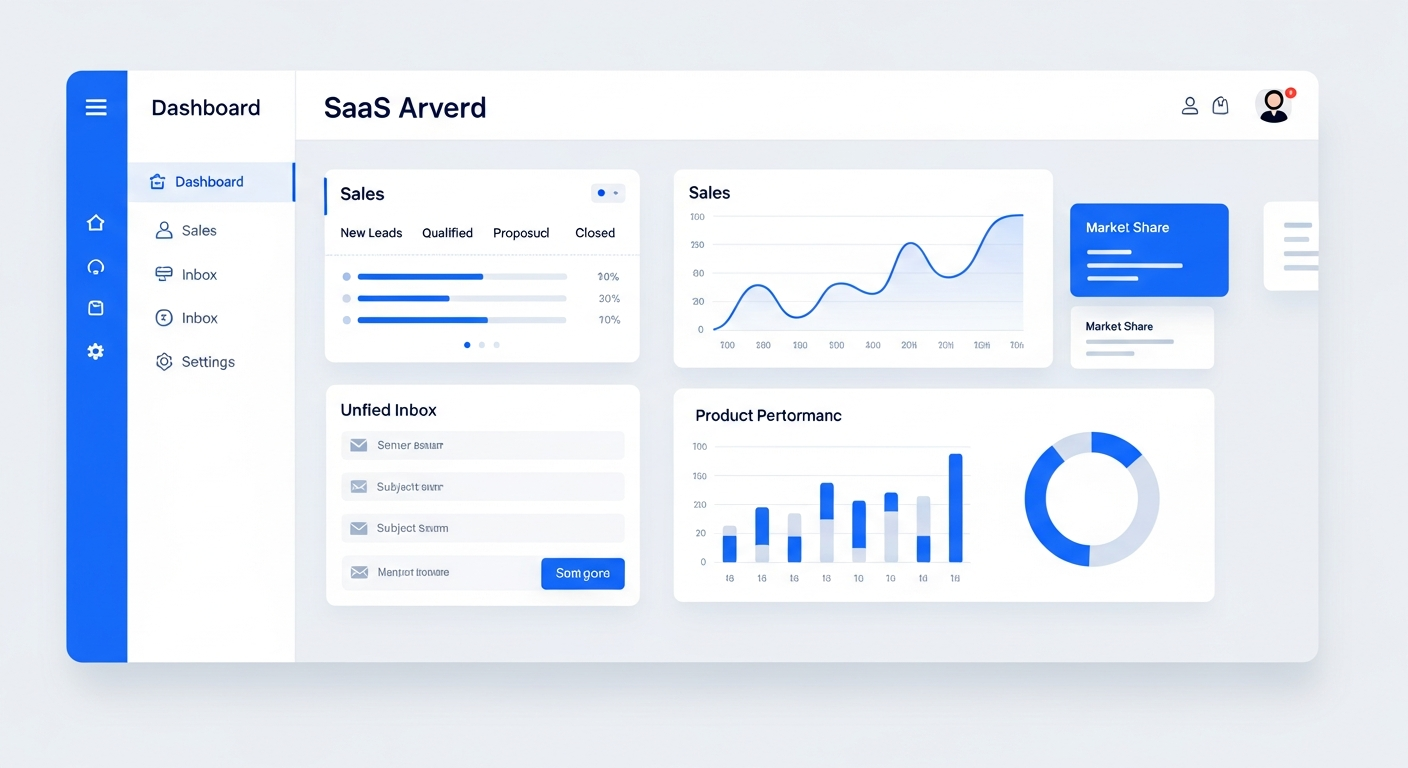
Bring On The Leads integrates with the tools your business already uses — Google Calendar, Outlook, Facebook, Instagram, Google Business Profile, Stripe, Zapier, and more. Instead of juggling separate apps that don't talk to each other, you connect them to one CRM so data flows automatically. Calendar bookings sync both ways, social media messages flow into the unified inbox, and payments are tracked in the CRM — all without manual data entry.
Every disconnected tool is a gap where leads disappear
The average small business uses 5-10 different software tools. Each one stores data separately. When a lead fills out a form on your website, books on your calendar, and messages you on Facebook, that's three separate systems — and three places where the handoff can break.
Manual data entry wastes hours
Your team copies lead info from Facebook into your CRM, from your calendar into your email, from your payment processor into your spreadsheet. Every copy-paste is time wasted and a chance for errors.
Disconnected data = blind spots
When your calendar, CRM, and messaging tools don't sync, you can't see the full picture. A lead books a call but their CRM record doesn't update. A payment comes in but the pipeline doesn't reflect it.
Tool sprawl costs add up
$50 for a calendar tool, $30 for an email platform, $20 for SMS, $40 for a separate CRM. When you add integrations on top, the monthly bill grows — and the tools still don't work together.
Who this is for
- Businesses using multiple tools that want them to work together without manual data entry
- Teams tired of copy-pasting data between apps
- Businesses that want to consolidate tools and reduce monthly software costs
- Any business that needs data to flow between calendar, messaging, payments, and CRM
How BOTL integrations work
Connect your accounts
Link your Google Calendar, Outlook, Facebook Business page, Instagram account, Google Business Profile, and Stripe account through the integrations panel. Most connections take a few clicks — no API keys or developer needed.
Data flows automatically
Once connected, data moves between systems without manual effort. Calendar bookings create CRM contacts. Social media DMs flow into the unified inbox. Payments update deal records. Everything stays in sync.
Use webhooks for custom connections
Need to connect a tool that isn't natively supported? Use webhooks to send and receive data from any system that supports them. You can also connect through Zapier for 5,000+ additional integrations.
Replace tools you no longer need
Because BOTL includes CRM, email, SMS, funnels, scheduling, and social messaging in one platform, many businesses can cancel 3-5 separate tools after switching — reducing both cost and complexity.
What makes this work
Google Calendar & Outlook
Two-way calendar sync. Bookings block your calendar, and existing events block available times.
Facebook & Instagram
DMs from Facebook Messenger and Instagram flow into the unified inbox. Reply from one screen.
Google Business Profile
Messages from your Google Business Profile appear in the inbox. Monitor and respond to Google reviews.
Zapier & Webhooks
Connect to 5,000+ apps through Zapier, or use webhooks for custom integrations with any system.
Email providers
Send email through the platform's built-in SMTP or connect your existing email provider for delivery.
Phone & SMS
Provision a business number for calls and texts. Port your existing number if you want.
How we get you started
We don't hand you a login and walk away. Here's what happens after you sign up.
Audit your current tools
We review what tools you're currently using and identify which ones BOTL can replace — and which need to stay connected via integration.
Connect your accounts
We help you connect your calendars, social media accounts, Google Business Profile, and payment processor to the platform.
Set up data flow
We configure webhooks and Zapier connections for any tools that need custom integration, and test that data flows correctly.
Help you cancel redundant tools
We identify which separate tools you can cancel now that BOTL handles those functions, reducing your monthly software costs.
The hidden cost of tool sprawl
According to a 2024 report by Productiv, the average small business uses 110 SaaS applications and spends $3,000-$8,000 per month on software subscriptions — much of it redundant. When tools don't integrate, teams spend an average of 5 hours per week manually moving data between systems. Consolidating into a platform that handles CRM, email, SMS, scheduling, and social messaging in one place — with native integrations for the tools you keep — eliminates both the subscription costs and the manual data entry time.
Questions buyers ask before choosing BOTL
What integrations does BOTL support?
Native integrations include Google Calendar, Outlook, Facebook, Instagram, Google Business Profile, Stripe, and Zapier (5,000+ apps). For custom needs, webhooks let you send and receive data from any system that supports them. No developer required for native connections — just click and log in.
Can BOTL replace my existing tools?
In most cases, yes. BOTL includes CRM, email marketing, SMS marketing, funnel builder, appointment scheduling, and social media messaging in one platform. Many businesses cancel 3-5 separate tools after switching. We help you identify which ones you can cancel during onboarding.
Do I need a developer to set up integrations?
No. Native integrations (Google, Facebook, Stripe, etc.) are connected through a simple authorization flow — click a button and log in. Zapier connections are also no-code. Webhooks may require some technical setup, which we help with during onboarding.
Does calendar sync work both ways?
Yes. When a lead books an appointment through BOTL, it blocks the time on your Google or Outlook calendar. When you add an event to your calendar manually, it blocks that time in the booking system so nobody can book it. No double-booking.
Can I connect tools that aren't on the native list?
Yes. Through Zapier, you can connect to 5,000+ apps. For custom needs, you can use webhooks to send and receive data from any system that supports them. We help configure custom integrations during onboarding.
Can I connect my existing phone number?
Yes. We can port your existing business number to the platform, or we can provision a new local number. All calls and texts are handled through the platform and logged to the CRM.
What does setup involve?
We audit your current tools, connect your accounts, configure data flow for any custom integrations, and help you identify which separate tools you can cancel now that BOTL handles those functions.
Frequently Asked Questions
Which tools can I connect natively?
Google Calendar, Microsoft Outlook, Facebook Business Pages, Instagram, Google Business Profile, Stripe, and Zapier. We also support webhook connections for any system that can send or receive them.
Can I connect tools that aren't on your native list?
Yes. Through Zapier, you can connect to 5,000+ apps. For custom needs, you can use webhooks to send and receive data from any system that supports them.
Do I need a developer to set up integrations?
No. Native integrations (Google, Facebook, Stripe, etc.) are connected through a simple authorization flow — click a button and log in. Zapier connections are also no-code. Webhooks may require some technical setup, which we help with during onboarding.
Can BOTL replace my existing tools?
In many cases, yes. BOTL includes CRM, email marketing, SMS marketing, funnel builder, appointment scheduling, and social media messaging. Many businesses cancel 3-5 separate tools after switching. We help you identify which ones you can cancel.
Does calendar sync work both ways?
Yes. When a lead books an appointment through BOTL, it blocks the time on your Google or Outlook calendar. When you add an event to your calendar manually, it blocks that time in the booking system so nobody can book it.
Can I connect my existing phone number?
Yes. We can port your existing business number to the platform, or we can provision a new local number. All calls and texts are handled through the platform.
See it in action
Book a personalized demo and we'll show you exactly how this works for your business.
Book a Demo